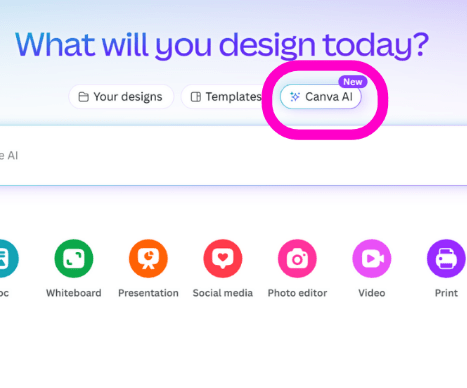
Just in case you’re in a hurry to get CRACKIN’ on the code-free (but also code-FREE1) TOP TREASURE of 2025, let’s bottom line this thing out:
- There are a few repeatable “bugs” that prevent it from being 100 per cent AWESOME at the moment.
- It is VERY HELPFUL for several purposes, and “many” skill levels (even pro. Pros who be in a hurry, anyway.).
- They do default to nerdy fonts (methinks I detected a Comic Sans that showed up without my permission. Sigh) and horrific, neglected colours (yes, even in gradients. Speaking of which…)
- They seem to use Canva Colours (And that GRADIENT!) as a default or go-to setting, it would appear.
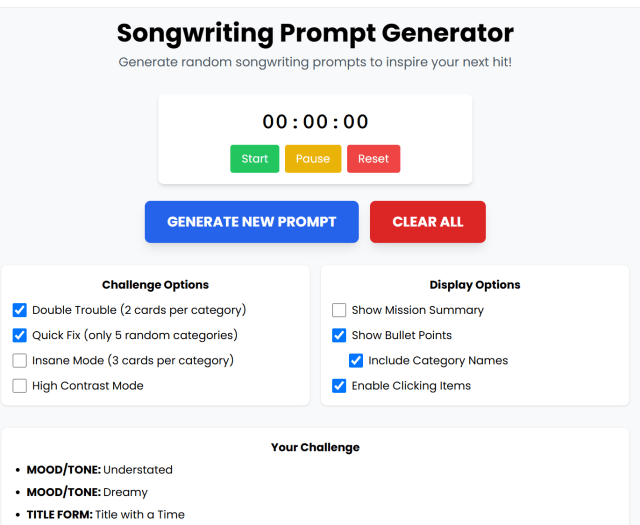
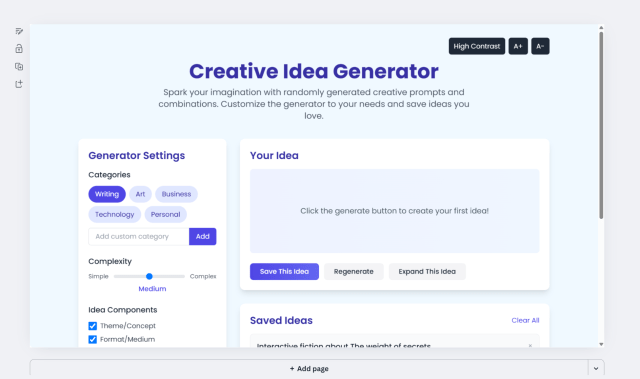
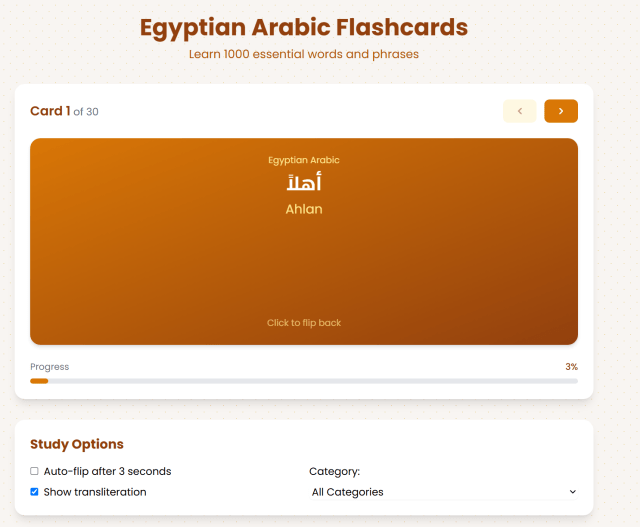
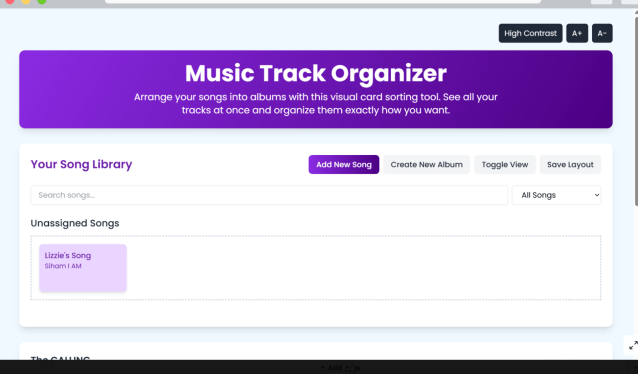
- If you’re interested in a few of the things they suggest or offer, so as to prompt you to get prompting the ai (heh), check this out real quick:
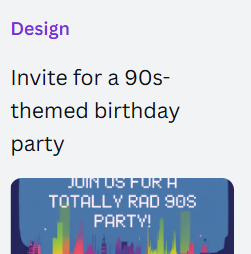
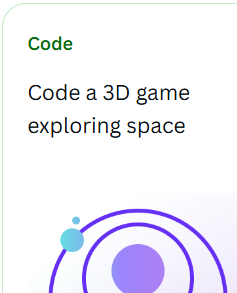

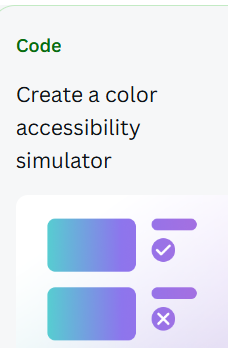




SO.
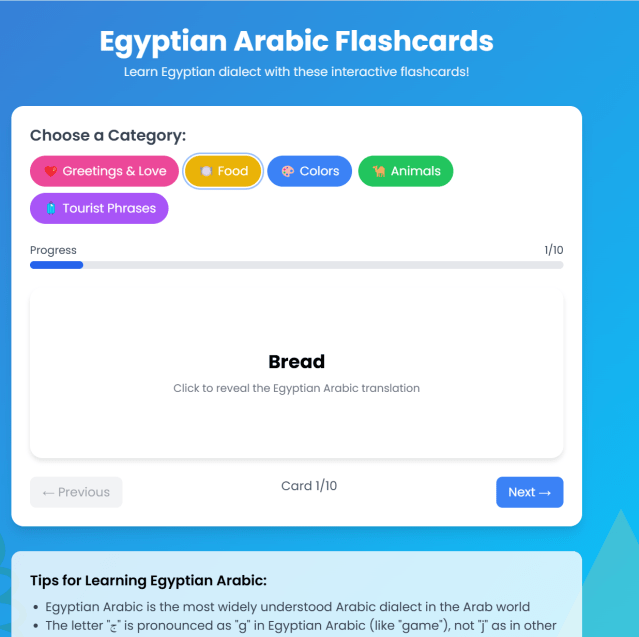
Some of the following examples may cause you pain, and/or burn your brain.





BUT…
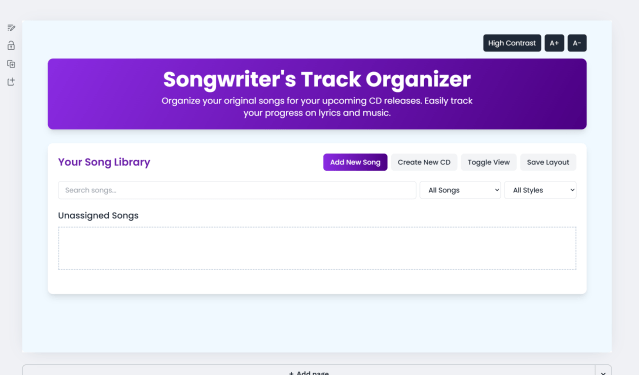
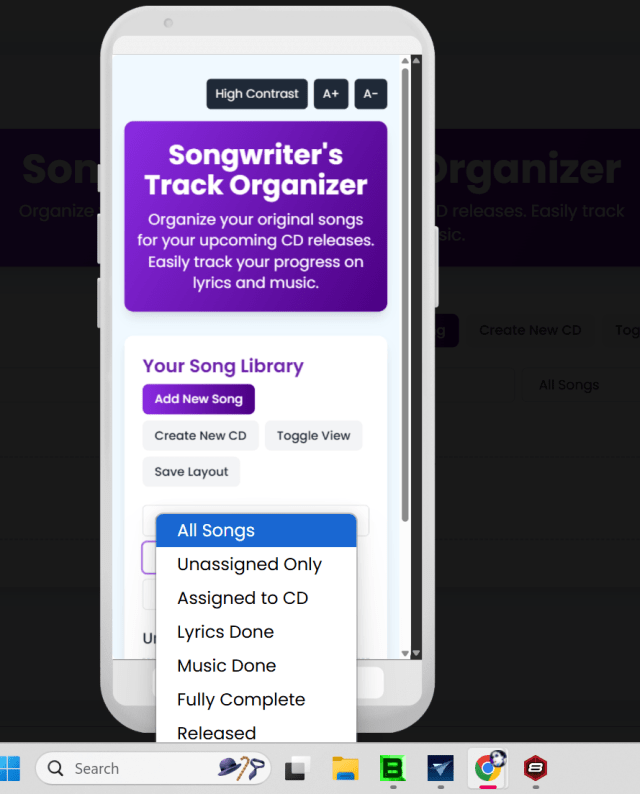
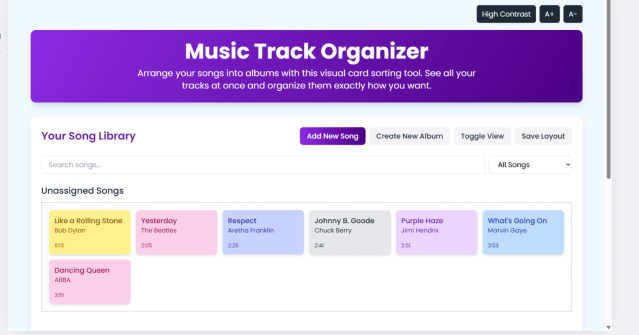
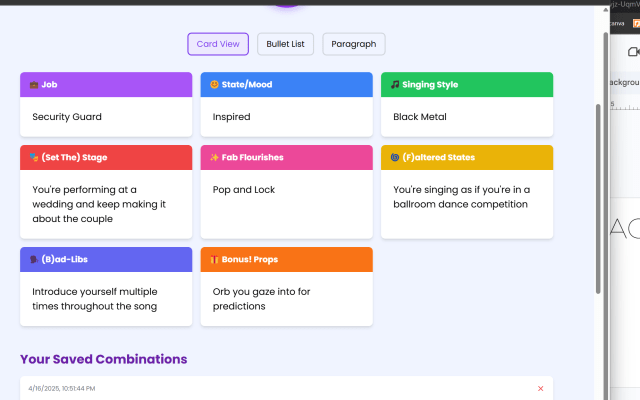
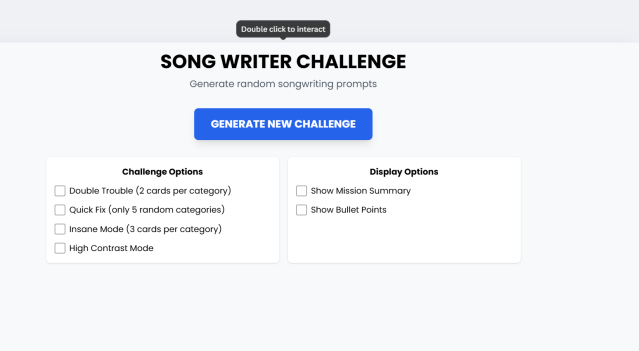
I was able to create over 75 “web apps” of varying complexity over the past week, some one-offs, others “ten iterations of the exact same thing,” and yes, Wringer-Wrongwriter, I be lookin’ achoo. (Gesundheit!)
Check out just a few of these screenshots (I’m posting a few of the “mostly-functional” ones here every day or two, and some of them are just ok, but a few have been helping me around the house, so…
As of now, you don’t need a pro account to use Canva Code.
Anyway a huge CONGRATS to CANVA, with whom I’ve been since the beginning.
sb
PS:
I have, indeed, sent feedback and reported bugs, and I suggest anyone encountering them do the same; like all things with FAB potential, stuff can only work well and get better if we give it a chance–both to grow and to be refined. ❤
- As in, as of NOW, you don’t get access to one line of code. No copy and paste or way to access it… on their site. Some have said that it can be gotten at in various “code-peekers,” but I, for one, am far too lazy to mess with that.
↩︎
 Appsessive Compulsive
Leave a comment